

Webcam users on tech forums frequently describe the same confusing moment: the connection is going well, the camera clicks on, and then the mouse stops, the keyboard becomes silent, and the headset cuts out all at once. There is no clear connection between the three entirely different devices that are malfunctioning at the same time. It appears to be a driver crash or possibly a malfunctioning Windows update. Usually, it’s neither.
The bus power budget, a layer of the USB standard that most camera buyers never consider, is actually what’s going on. A predetermined quantity of electrical current is sent by each USB port, and devices connected to the same host controller on the motherboard share this current. According to the specification, each port can supply up to 900 milliamperes on USB 3.0 and 500 milliamperes on USB 2.0. The majority of keyboards and mice consume significantly less than those figures. When a high-resolution camera initially operates and draws a surge of current to initialize, it can approach or even nudge past the ceiling, especially if it has built-in LED ring lights or active autofocus systems.
In order to prevent damage to the motherboard, the host controller trips like a circuit breaker and cuts power to the port group. The failure appears to be so complete and haphazard because every peripheral sharing that controller uses falls down at once. Technically, nothing was damaged by the webcam. The safety mechanism operated as intended. Simply put, if you work properly here, you risk losing your mouse in the middle of a meeting.
This is usually exacerbated by front panel USB ports, which are integrated into desktop cases instead than being directly on the motherboard. Before any device even plugs in, a tiny voltage drop is introduced because they are usually connected to the motherboard via a header cable rather than a direct trace. IT forums frequently advise users to move their webcam to the back of the machine as a first troubleshooting step because rear ports, when wired directly, provide cleaner and slightly more steady electricity. It’s the kind of advice that seems simplistic until the issue is resolved.
A powered USB hub is the more sophisticated solution and the one that anyone with a serious home office or streaming setup should invest in. Instead of using power from the computer’s bus, these draw their own current from a wall adapter, allowing the webcam to get what it needs without affecting the host controller’s budget. The shared power pool remains unchanged while the computer sees a hub and the hub sees the camera. It’s similar to adding a special circuit to a room where a breaker was tripping; the power supply just became properly separated, but the appliances remained unchanged.
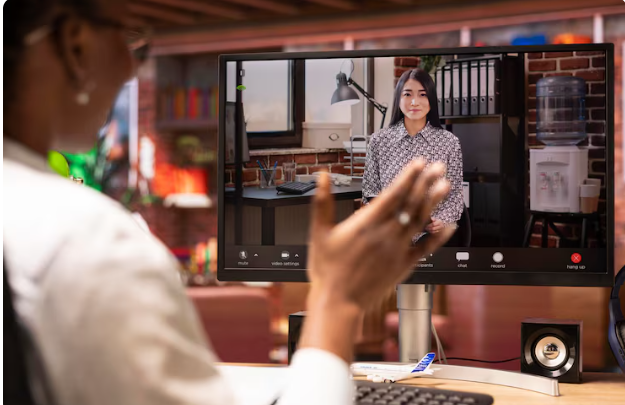
More than most people realize, resolution and LED consumption are important. Measurably more current is drawn by a webcam operating at 1080p and 30 frames per second than by the identical camera operating at 720p. That pull is further enhanced by auto-illumination circuits and ring lights. A single dip in resolution can be the difference between a stable session and, in the worst case scenario, a cascade of disconnected peripherals for a home office user who only needs a respectable image during a video conference. It’s a little exchange, and it’s difficult to ignore how many people spend weeks troubleshooting this until someone points out the obvious.
